MULTISTREAMING APP FOR PC
1,283 users
trust StreamPack
Everything in one place: go live on all your platforms at the same time, in landscape and portrait, with AI-made overlays, alerts, text-to-speech chat (TTS), multichat and 60 fps recording. For Windows.
How it works
See everything you can do
Click any card and watch how it works
Overlay community: browse and replicate in one click
Endless inspiration from other streamers, ready to make your own.
Watch how it worksVertical and horizontal stream scenes with AI
Whatever format you need, generated by AI to fit you.
Watch how it worksAnimated backgrounds for your stream with AI
Waiting screens as video, generated with AI and editable.
Watch how it worksMagic brush: generate with AI right where you want
Mark a zone and AI puts there whatever you ask for.
Watch how it worksPresets and editable canvases, ready for OBS
Customize on a canvas and download as PNG, depending on no one.
Watch how it worksCustomizable scoreboard templates
Add your logo, change the colors and broadcast your tournament.
Watch how it worksCreate your PNGtuber with AI
Your avatar with states, generated with AI and ready to stream.
Watch how it worksEverything you need
From prompt to professional pack
StreamPack does not use pre-made templates: every overlay is generated for your channel with state-of-the-art image models.
AI generation
Free prompt, curated examples or reference images. Quick selectors for style, palette and mood.
Magic brush
Lasso any area of the overlay and regenerate it with a prompt without touching the rest. Real inpainting.
Layer editor
Custom-font text, embeddable presets, transforms, unlimited undo and autosave.
Community gallery
Publish your creations, get likes and let others remix them with attribution.
Token-based plans
Pay only for what you generate. Three plans with a monthly quota and top-ups whenever you need.
Spanish and English
Interface, emails and templates in your language, with hot switching and more languages coming.
How it works
Describe your style
Write a prompt, pick an example template or upload reference images of your visual identity.
The AI generates your overlay
In under a minute you get your webcam frame or full screen, with your palette and your mood.
Edit and download
Add text, presets and magic-brush touch-ups. Export as PNG, JPG or WebP up to 4K.
AI editing
Regenerate only what you don't like
The magic brush turns your free selection into a mask and the AI regenerates only that area, blending it with the rest of the design.
- Select any area with the lasso
- Describe what you want there (or upload a reference)
- Accept the new version or retry; history keeps every step
FAQ
Everything you want to know
What is StreamPack?+
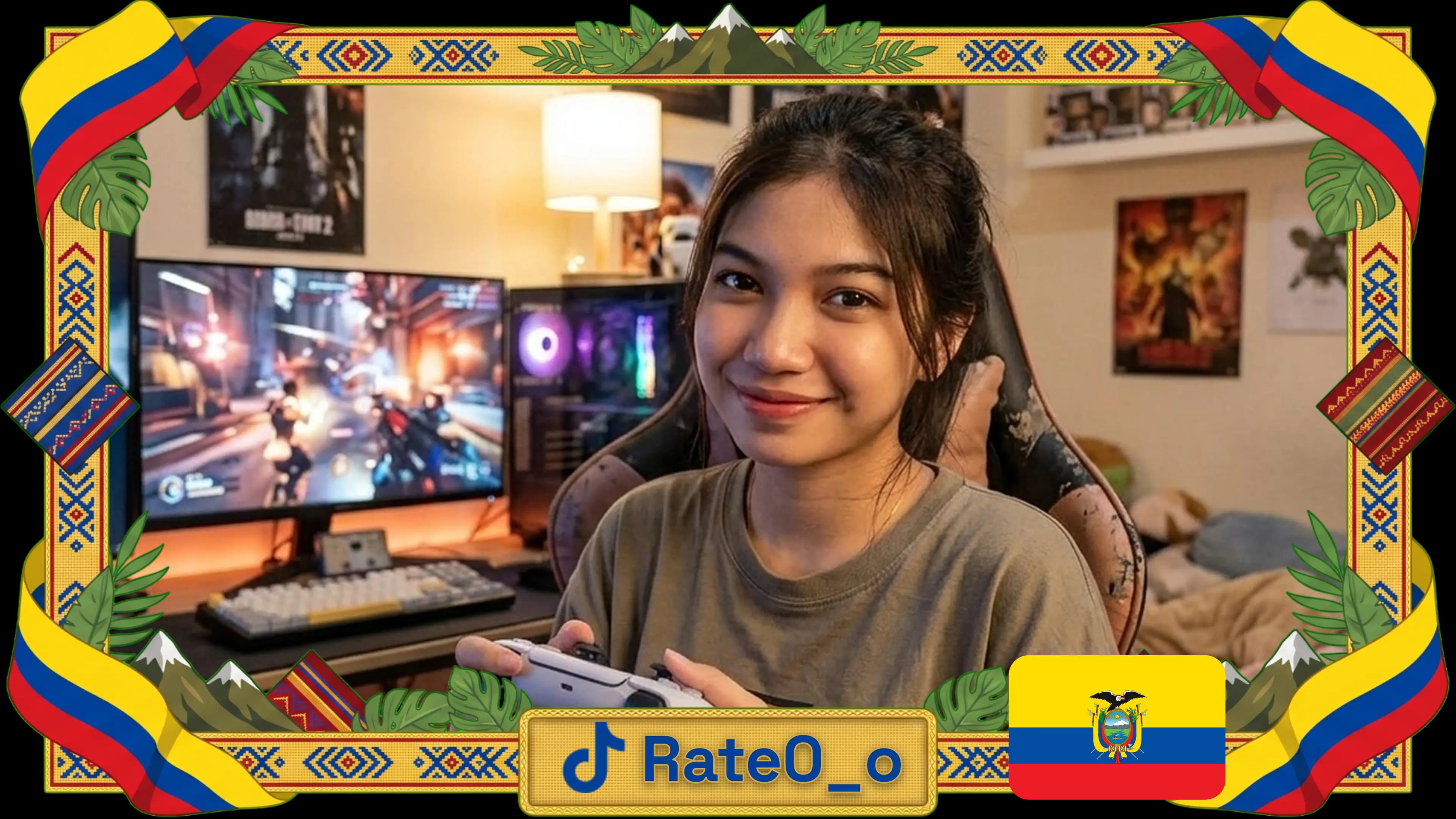
StreamPack is an AI overlay generator for streamers: describe your style and it creates webcam frames, «starting soon», «be right back» and «ending» screens, and panels, ready for OBS.
Do the overlays work in OBS, Streamlabs or vMix?+
Yes. They export as transparent PNG (or looping video) and you add them as a source in OBS, Streamlabs, vMix or any streaming software.
Do I need design skills?+
No. The AI generates the overlay from a description; then you edit texts, colors and layers with no design tools or Photoshop needed.
Which platforms is it for?+
Twitch, Kick, YouTube and any streaming platform: the overlays are universal and look the same everywhere.
Is it free?+
You can start free with monthly tokens and no card. If you need more generations, paid plans start under 10 USD/month.
What overlay types can I create?+
Webcam frame, transition screens (starting soon, be right back, we're back, ending), game scene and just chatting, themed after your favorite game or anime.