
The streaming app
for interactive
live streams
Stream to TikTok, Twitch, Kick and YouTube at once, record to MP4 and answer Twitch, Kick and YouTube chat from a single window.
0.1.29 · 14.6 MB · Windows 10 · 11 (64 bits)
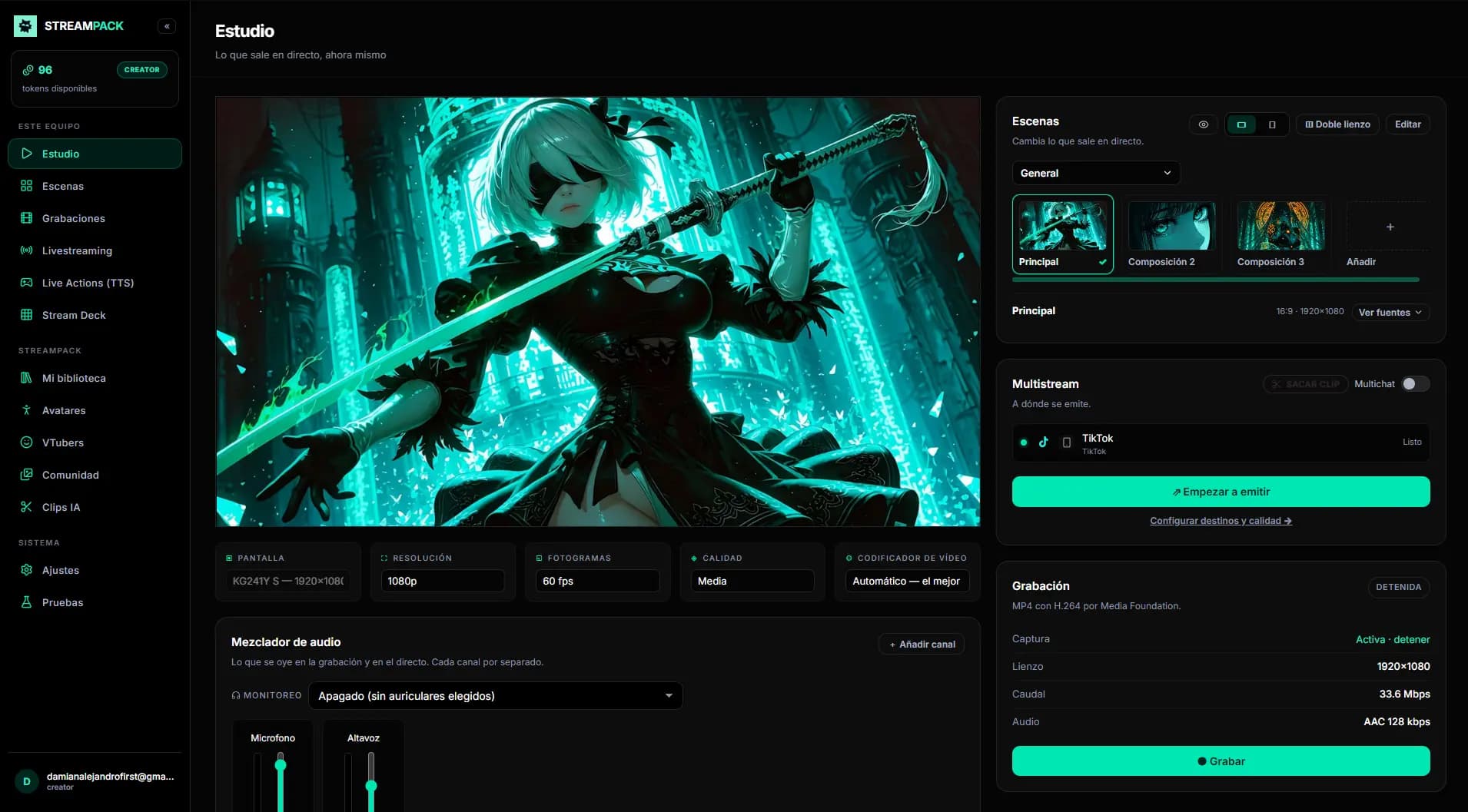
No plugins
Elements you add in Studio
Add them to your scene in one click once your networks are connected, and they move by themselves with what happens on them. Nothing else to install.
- See more
Live chat
Works with: TikTok, Twitch, Kick and YouTube
- See more
Top donors
Works with: TikTok, Twitch, Kick and YouTube
- See more
Top likes (TikTok)
Works with: TikTok
- See more
Follower goal
Works with: TikTok, Twitch, Kick and YouTube
- See more
Highlight box
Works with: TikTok, Twitch, Kick and YouTube
- See more
Live Actions (Alerts)
Works with: TikTok, Twitch and Kick
- See more
Actions panel
Works with: TikTok, Twitch and Kick
- See more
Football scoreboard
Works with: The Stream Deck: from there you add goals, control the clock and reset it
- See more
Timer
Works with: Any stream, no networks needed
- See more
On-screen crowd
Works with: The networks you have connected
On video
See it in action
One video per feature: watch how it's done inside StreamPack Studio and read the details on its page.
 01Multistream
Stream to TikTok, Twitch and Kick at once
0:26 · 3 features
Watch video 02Dual canvas
Stream horizontal and vertical at once
0:21 · 3 features
Watch video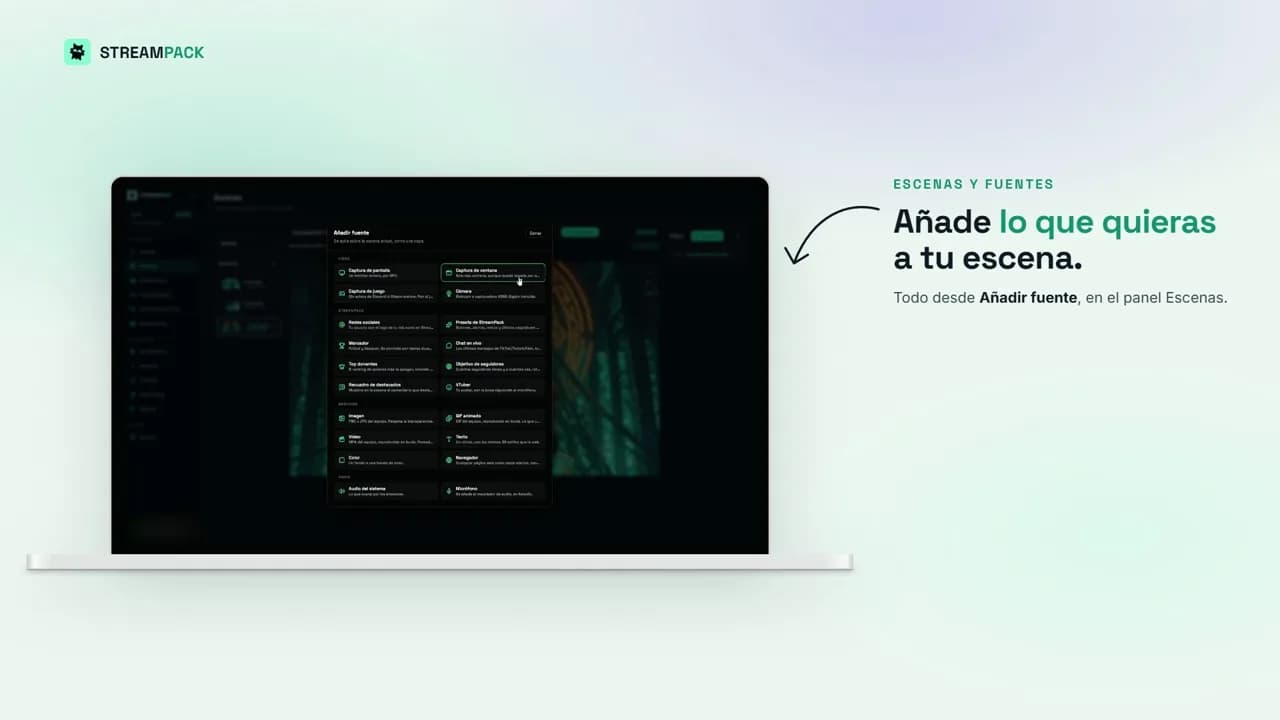 03Scenes and sources
Everything you can add to your scene
0:20 · 3 features
Watch video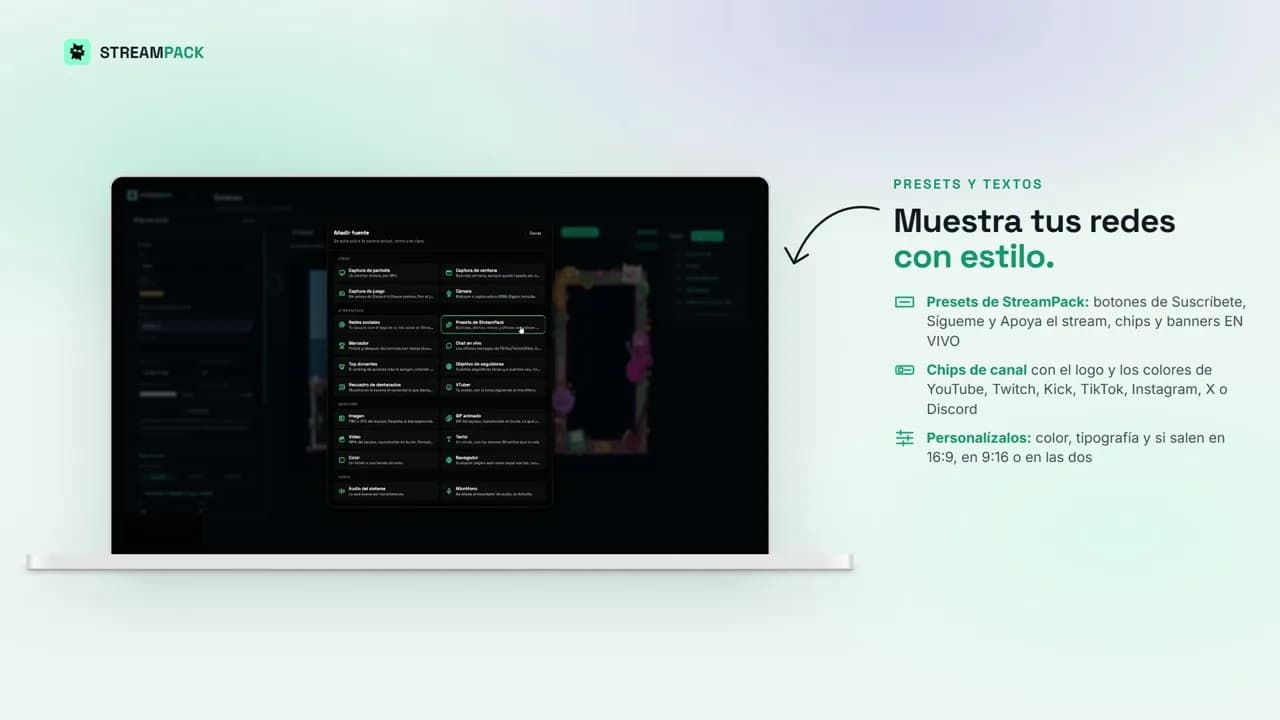 04Presets and text
Show your socials with style
0:41 · 3 features
Watch video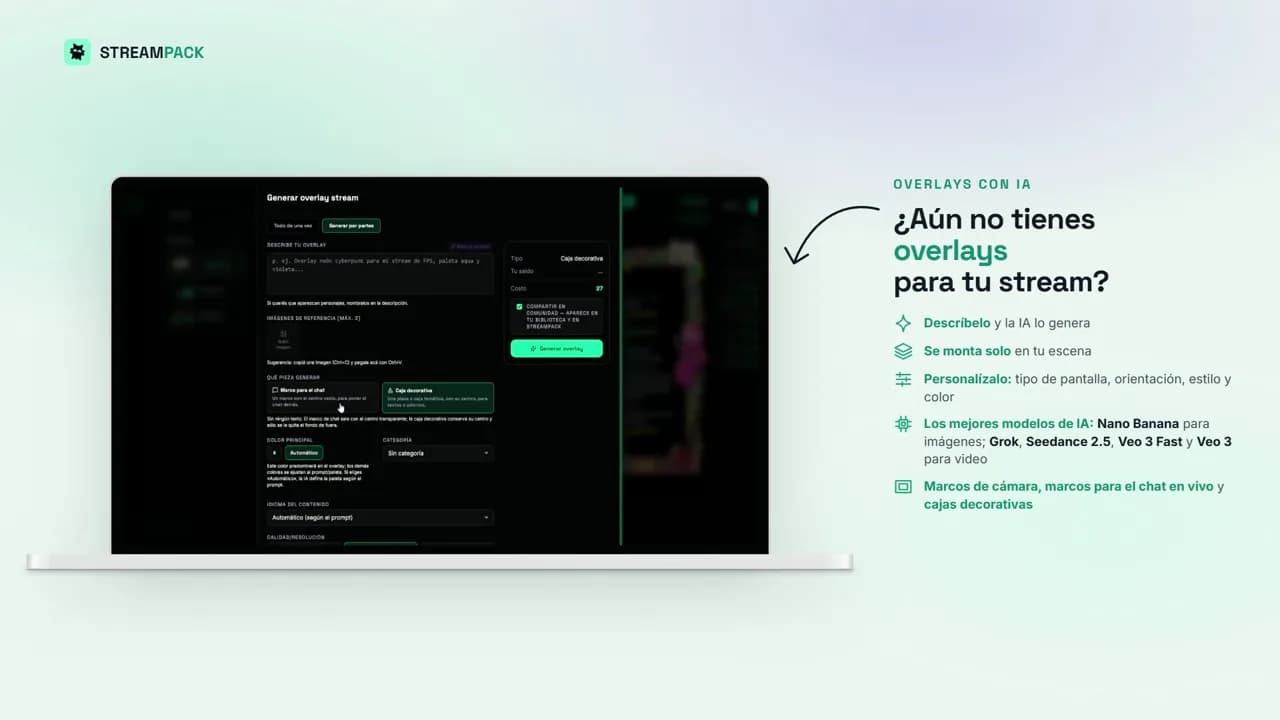 05AI overlays
Generate and replicate overlays with AI
0:50 · 4 features
Watch video 06Goals and chat
Follower goals and chat from your 3 networks
0:38 · 3 features
Watch video 07Multichat and highlights
Your chat over the game
0:55 · 4 features
Watch video 08TTS and top donors
Your chat out loud and your top donors
0:42 · 3 features
Watch video 09Live Actions
Gift alerts and an action carousel
0:44 · 3 features
Watch video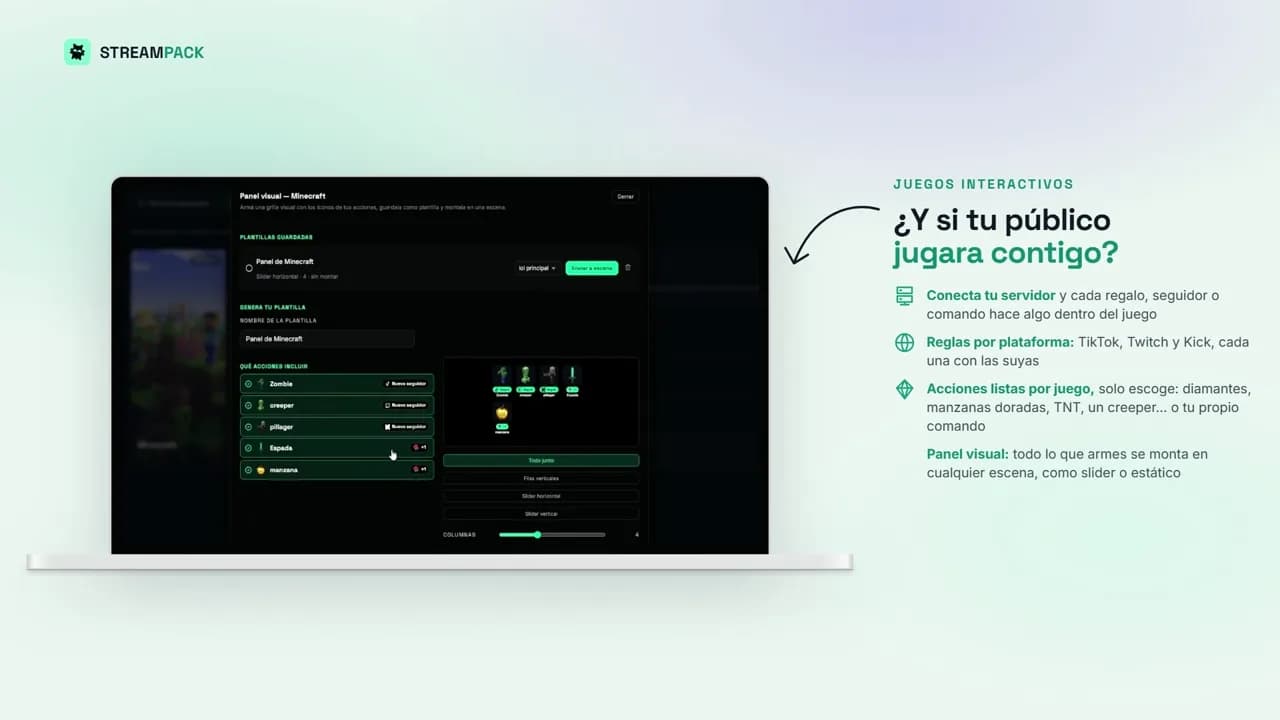 10Interactive games
Your audience plays with you
0:37 · 4 features
Watch video 11Stream Deck and scoreboard
Stream Deck and soccer scoreboard
0:48 · 4 features
Watch video 12AI Clips
AI clips from your recordings
0:46 · 5 features
Watch video
FAQ
About StreamPack Studio
What is StreamPack Studio?
It's live streaming software for Windows PCs: you capture your screen, your game and your camera, build your scenes and go live. It also comes with multichat, alerts, widgets for your networks and AI overlays built in, with no extra plugins to install.
Is it an alternative to OBS or Streamlabs?
Yes. You do the same things as with OBS Studio or Streamlabs Desktop (scenes, captures, recording and streaming), but with multistreaming, chat from all your networks and interactive elements already included, without setting up browser sources or plugins.
Can I stream to TikTok, Twitch, Kick and YouTube at the same time?
Yes. StreamPack Studio streams to several platforms at once from a single broadcast, and with the dual canvas you send the horizontal (16:9) and vertical (9:16) versions at the same time, each to the network it belongs to.
Can I read and reply to chat from all my networks?
Yes. Multichat brings TikTok, Twitch, Kick and YouTube messages into a single window. You can reply on Twitch, Kick and YouTube; TikTok chat can be read, highlighted on screen and read aloud.
How much does it cost?
The download is free from the Microsoft Store. To use Studio you need a StreamPack account with a Streamer or Streamer Pro plan, and AI features (overlays, clips) use tokens you buy separately as top-ups, which never expire.
What do I need to use it?
A PC with 64-bit Windows 10 or 11 and a StreamPack account. Studio records to MP4 and uses your graphics card to encode, so the stream doesn't load your processor.